Carnaval Casino
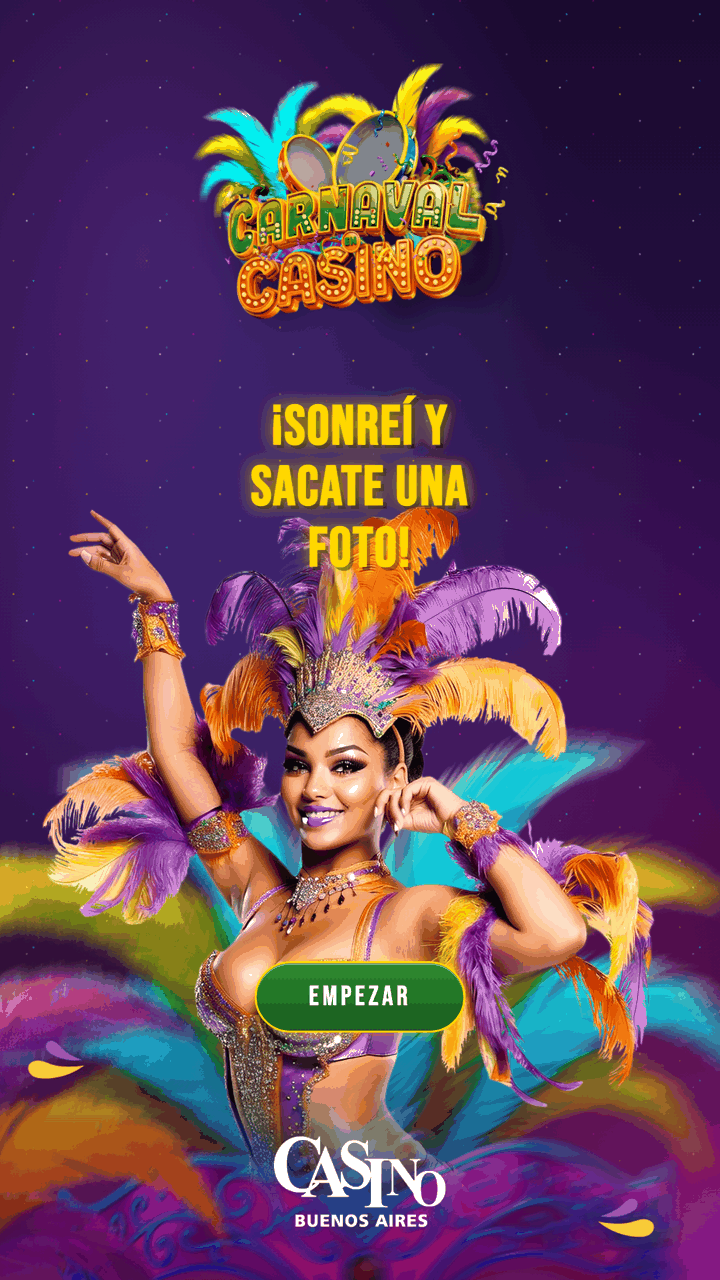
Carnaval Casino is a walk-up photo experience for a carnival event at Casino Buenos Aires, produced with Ultra Interactive. A guest presses start, gets five seconds to pose, and receives a carnival portrait generated from their photo, with a QR code for downloading it. The kiosk runs unattended on a 1080x1920 portrait touchscreen, inside Chrome in kiosk mode, with a USB webcam mounted sideways behind the panel. It is event hardware; no public release is planned.
The experience
The interface has four screens: welcome, instructions, camera and result. It is in Spanish and assumes no prior knowledge of the machine. The welcome screen is one large start target. The instructions show the whole exchange in four steps: press start, pose during the countdown, wait for the AI, scan the QR. The camera screen begins its countdown as soon as the stream is ready, so nobody has to press a second button. The result screen shows the generated portrait and a single QR code, and the guest starts again from the same screen. A member of staff can reset the kiosk with ESC, open camera calibration with S, or lock the terminal remotely.
Designed for a sideways camera
The webcam sits at 90 degrees to the screen, with the lens looking out through the portrait panel. The live preview and the captured photo have to agree with what the guest sees, so rotation, zoom, crop offset and mirroring are applied in both paths. The same settings persist in the browser, which lets the framing be adjusted on site without a redeploy. The camera screen centers a circular live preview, and the countdown sits over the image so the guest's eyes stay in one place.
The portrait
The transformation is not a filter. The photo is sent to Krea's Nano Banana model with one of ten carnival scenes, each written in a female and a male variant. In the browser, face detection chooses the variant from the largest face before the image is uploaded. If the models have not loaded or no face is found, the kiosk falls back to the female variant. The prompts ask the model to preserve the guest's face and identity and to render only people in the foreground; without that second instruction, group photos gain extra figures in the background. Two to four random lighting, pose, gaze and camera modifiers are added per request, so consecutive guests rarely get the same card.
Waiting
A generation can take close to a minute. The kiosk waits for the model and retries the generation if a job fails. While that runs, the screen shows a processing state with a spinner and a short line of copy, and the captured frame stays frozen behind it. The guest sees the finished portrait on the result screen, plus a QR that opens a mobile page with the processed image and a download button. The original stays on disk but is not shown to the guest.
Keeping it closed
The kiosk is treated as a closed appliance. The root interface requires a token, and a missing or unreadable lock state leaves the terminal locked. Locking and unlocking happen through a token in the URL, and the locked screen checks its status every five seconds and reloads when the terminal is unlocked. Photos are addressed by UUID, the photo directory is not browsable, and the server source, environment file and prompt settings are blocked. The QR page is the only route a guest needs.
After the event
When a generated image arrives, the server composites the event and casino logos into the top corners and saves it beside the original. Nothing is deleted. A QR code from the event still resolves later, and the portrait keeps the branding of the night it was taken. The lock state is written to disk on every change, so after a power cut the kiosk returns in the state it was left.